The dice game had already been built in Unity. The app was built in Flutter. Neither one knew the other existed.
Overview
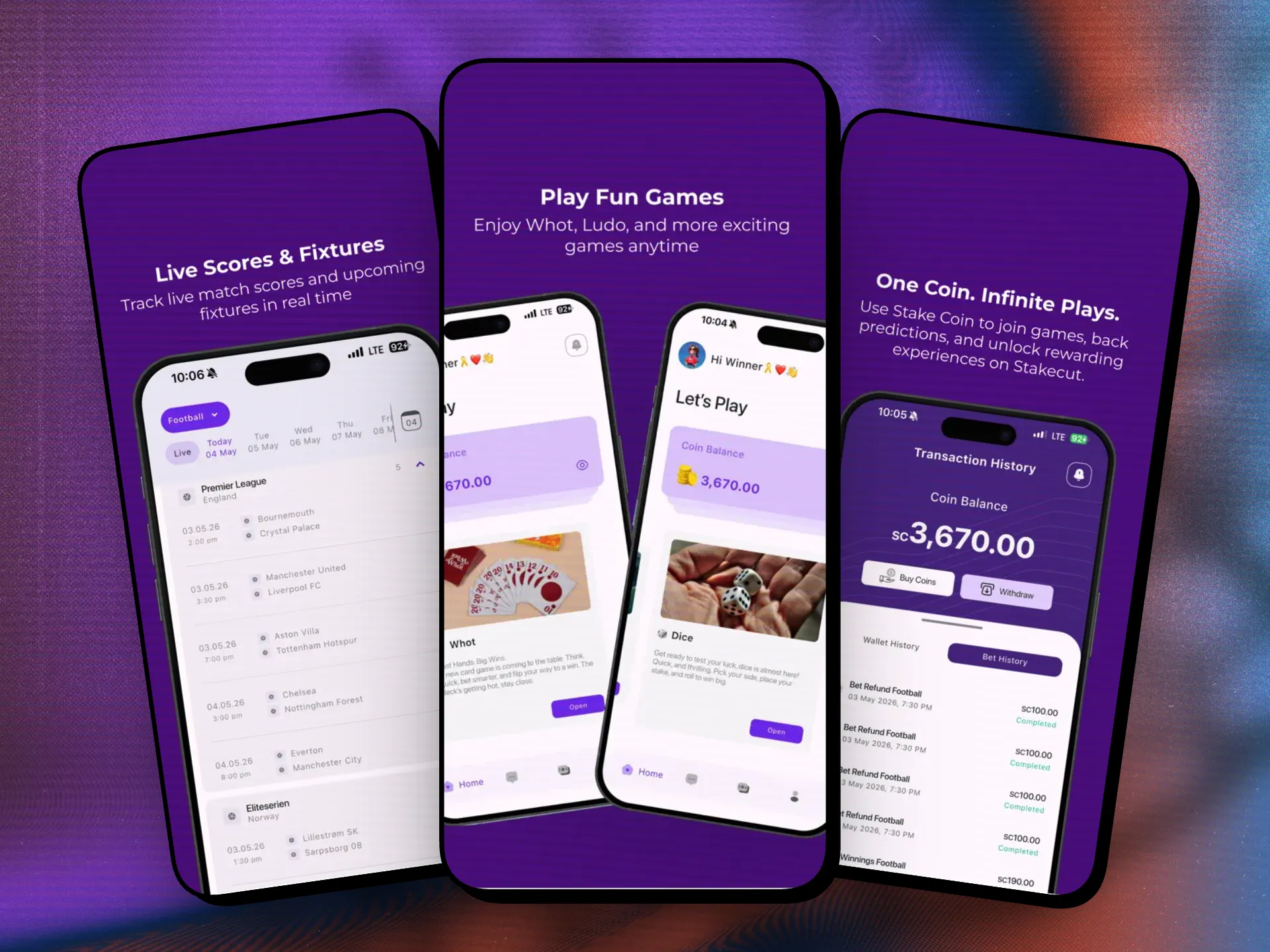
Stakecut is a licensed sports and gaming app: live scores, match stats, fantasy leagues, bet slips, chat and a reward coin. I took over the codebase in early 2026. Most of the work was what you'd expect from a sports app. One feature wasn't.
The client wanted a dice game inside the app. Another developer had already built it in Unity, with the dice, the physics and the animation all done. What didn't exist was any way to get it into the app.
The problem
Flutter and Unity are two completely separate worlds. Flutter draws the app. Unity is a game engine with its own runtime, its own build system and its own way of doing everything. Flutter can't run a Unity project directly, and the Unity game knew nothing about the rest of Stakecut: no wallet, no stakes, no results, no users.
So the job wasn't "add a dice screen." It was making two separate pieces of software act like one app.
Learning just enough Unity
I had never opened Unity before this project. I didn't need to become a game developer, but I needed to understand it well enough not to break someone else's game.
I installed it, learned how the project was structured, and worked out how to export it as a library that an Android and an iOS app can load, instead of as a standalone game.
The bridge was flutter_unity_widget. It adds an export step to Unity that builds the game as a library instead of an app: an unityLibrary module for Android and a UnityFramework for iOS. Unity's player settings had to be set up for it first, with IL2CPP as the scripting backend and ARM64 as a target.
Then each native project had to be taught about the game. On Android, that meant adding the Unity module to the Gradle build and pointing it at Unity's NDK. On iOS, it meant adding Unity's Xcode project to the app, linking UnityFramework, and starting Unity from the AppDelegate before Flutter's plugins load.
Connecting the game to the betting logic
Once the game ran inside Flutter, the two sides had to talk to each other.
They talk in messages. Flutter calls a method on a named object in the Unity scene, for example to start a roll. On the Unity side, a small message manager sends a string back to Flutter when something happens, like the dice coming to rest. Everything that crosses between them is a string, so both sides have to agree on exactly what each message means.
Unity reports the result, then Flutter sends it to the backend to settle.
Flutter's job starts when they stop. Unity reports the result, and Flutter tells the backend who rolled, what they staked and what came up, so the bet can be settled and the user's balance updated.
Handing it over
The hardest part came after the game was working: handing the project to the next developer.
A lot of what made it work couldn't go to GitHub. The Unity export is huge, and it's built for the machine that made it, so it isn't something you can commit and expect to work on someone else's computer.
So there was no clone-and-run. I had to guide him through recreating those pieces himself, step by step, until the game ran on his machine the way it ran on mine.
Where it is now
Stakecut is live on the App Store and Google Play.
Unity wasn't something I had planned to learn when I started the project.
It was just the thing the project needed.